 Malcolm Keith 2026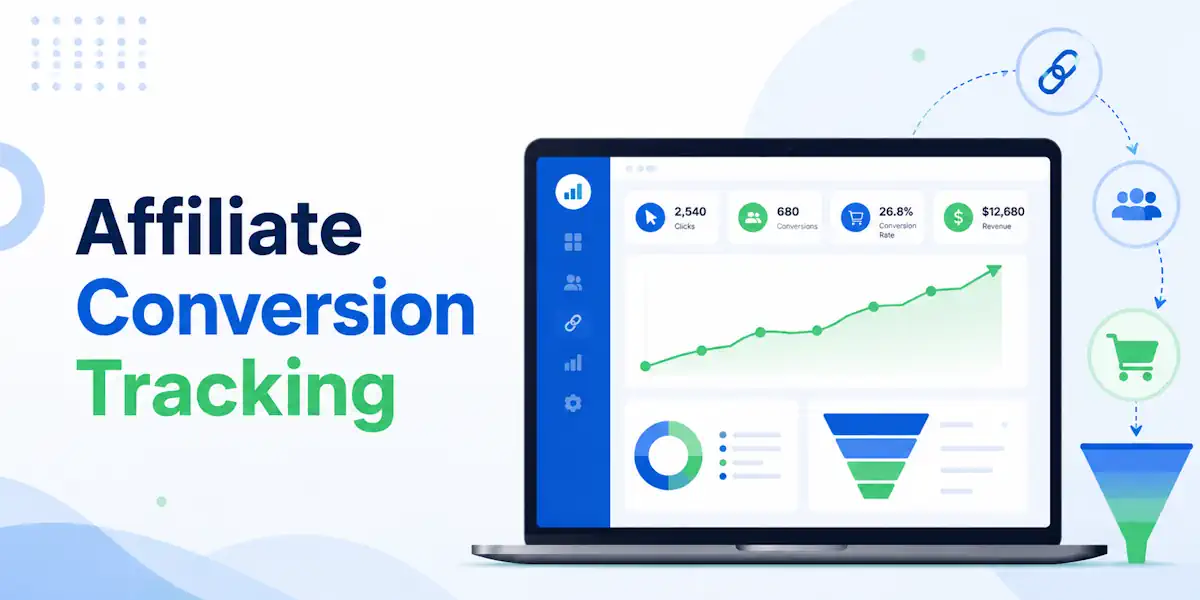

If you cannot tell which clicks turn into leads or sales, you are guessing. Affiliate conversion tracking provides the clarity you need to stop guessing and start scaling.
Affiliate conversion tracking is the process of monitoring a customer’s journey from the moment they click an affiliate partner’s referral link to when they complete a desired action (like making a purchase). It ensures the correct affiliate receives credit and commissions for the sale
A lot of beginners think they need more traffic, but in the world of performance marketing, most people actually need cleaner data first. When your setup is accurate, you can clearly see what earned the click, what generated the sale, and how to improve your overall conversion rate.
Low-quality clicks will eat your budget. Here is how to set up your tracking system without turning it into a tech headache.
Key Takeaways
- Tracking is a matching game: At its simplest, tracking involves assigning a unique ID to a click and matching that same ID back to the conversion to ensure accurate commission reporting.
- Prioritize reliability: While pixel-based tracking is easy to implement, server-to-server (postback) tracking is generally more resilient against ad blockers, cookie limitations, and browser privacy restrictions.
- Maintain data integrity: Ensure your click ID persists through every page redirect and bridge page; if your parameters are stripped along the funnel, you will lose the ability to attribute sales to your traffic sources.
- Test before you scale: Always run a manual test in a private browser to verify the entire flow, from the initial click to the final conversion, to confirm that IDs are passed correctly and no duplicate events are recorded.

What affiliate conversion tracking actually does
At its core, tracking is a matching game that follows the customer journey from the moment a user clicks your link to the final action they take. The system assigns a unique identifier to that click, which travels through the funnel. If the user completes the desired action later, the platform uses that same ID to connect the sale or lead back to your account.
That conversion might be a sale, a free trial, an email submit, or a booked call. Don’t assume. Check what the offer pays on. If you track the wrong action, your metrics might look healthy while your actual revenue attribution remains stagnant.
The little ID passed through the system may be called a click ID, sub ID, transaction ID, or something similar. Every platform has its own naming style. That is normal. What is not normal is guessing which parameter matters.
If the network tells you to pass clickid and you pass click_id, you may lose the match.
No click ID, no clean match. No clean match, no reliable commission data.
This is why beginners should care less about having more dashboards and more about the path the data takes. Modern affiliate marketing software often provides these centralized dashboards to help you monitor performance. Every hop from your ad to the landing page and then to the offer must keep the tracking data intact.
If you are using a third-party tracker, it can show which traffic source, ad, keyword, or creative produced the result. Managing and tracking clicks and conversion events in one place is essential if you want to scale your campaigns effectively. While advanced concepts like multi-touch attribution exist, beginners should focus on mastering these basics first.
If you want a broader primer on how affiliate platforms handle the basics, Partnero’s beginner guide to affiliate tracking lays out the moving parts well. Still, the simple version is enough to get started: pass the click ID, record the conversion, and confirm the two connect.
Pixel-based tracking vs. postback URLs
Most beginner setups rely on one of two methods: pixel-based tracking or server-side tracking (also known as a postback). They perform the same core job of reporting data, but they function through different technical pathways.
This quick comparison makes the difference easier to see:
| Method | How it fires | Best use case | Main weakness |
|---|---|---|---|
| Pixel-based tracking | The visitor’s browser loads code on a thank-you page | You control the page and can place code there | Ad blockers, cookie limits, script issues |
| Postback URLs | One server sends the conversion to another server | Affiliate networks, trackers, and advertisers that support it | Setup is less intuitive for beginners |
A tracking pixel is browser-based. When a user reaches a conversion page, such as a thank-you page, the browser loads a small snippet of code that reports the conversion. This method is common because it is easy to implement; if you control the page, you simply paste the snippet into the appropriate field. However, because these snippets are limited by modern browser privacy policies, relying on first-party cookies is increasingly important to ensure data accuracy. Many store platforms support this flow. For example, BigCommerce’s affiliate tracking setup notes show how some systems handle order data and conversion code.
Postback URLs function differently because the browser is not involved in the reporting process. Instead, the advertiser’s server sends the conversion data directly to the network or tracker. This process, often referred to as server-to-server tracking, is generally more reliable. Because it does not depend on JavaScript loading or the specific behavior of a user’s browser, it avoids many of the technical hurdles that plague standard methods.
So, when should you use each one?
Use pixel-based tracking when you own the thank-you page and need a straightforward setup. Use postback URLs when the network, tracker, or advertiser supports them and you want stronger data reliability. In affiliate marketing, server-to-server tracking is often the better long-term choice for accuracy.
Some setups allow for both methods. That is perfectly fine, but only if deduplication is handled correctly. If a pixel and a postback both fire for the same purchase, you can end up with duplicate conversions. That is not just a minor bookkeeping issue; it can wreck your reporting and lead to inaccurate performance analysis.
How to set up affiliate conversion tracking without getting lost
The easiest way to master affiliate conversion tracking is to follow the chain in order. Don’t jump straight into menus and code boxes. Start with the event you want to track, then work backward.
First, decide what counts as a conversion. Is it a lead form submit? A trial signup? A sale? Pick one clear event so you can accurately measure your conversion rate.

Second, choose your setup. If the affiliate network handles everything and only needs your tracking parameters, keep it simple. If you want deeper data by ad or traffic source, use a tracker alongside the network.
Third, make sure the click ID gets attached to the outgoing link. Many SaaS affiliate program platforms use specific sub ID fields like s1, subid, aff_sub, or clickid. The exact label changes, so verify the current field names inside your platform. Menus change all the time, and last year’s tutorial may not match this month’s dashboard.
Fourth, pass that ID through every page and redirect.
This is where beginners lose data when setting up affiliate conversion tracking
A page builder, form tool, redirect script, or link shortener can strip parameters without warning. As you grow, you might look into more advanced data orchestration to manage these signals, potentially integrating tools like Google Analytics 4 or the Meta Conversions API to provide a more holistic view of your funnel.
Here is a basic example. Let’s say you run a paid ad to a landing page. The landing page button sends the visitor to an affiliate offer through your tracker. Your tracker creates a unique click ID, then appends it to the offer URL in the parameter the network expects. When the visitor buys, the advertiser sends a postback to the network or tracker with that same click ID plus the payout amount. Now the click and sale can be matched.
If you want to see which ad angle or traffic source brought the conversion, add your own tracking tokens too. That might be the campaign name, ad ID, or traffic source. Keep it simple at first. One or two extra values is enough.
If you’re working through a training system or a tracker-based funnel, examples like integrating conversion pixels for affiliate tracking can help you picture the flow. Just don’t copy settings blindly. Always check the current platform docs and your network’s setup notes.
A good rule for beginners is this: fewer hops, fewer problems. Direct link setups are simpler. Bridge pages give you more control, but also more places for parameters to break.
How to test conversions and fix the problems that trip people up
Before you spend real money, test the full path yourself. One clean test can save days of confusion, helping you ensure accurate revenue attribution across your campaigns.
Use this short checklist:
- Click your own tracking link in a private browser window.
- Confirm the expected parameter appears on the first page and the final offer URL.
- Complete a test lead or low-cost purchase if the advertiser allows it.
- Check that the click was logged in the network or tracker.
- Check that the conversion appears with the right timestamp and payout.
- Make sure only one conversion fires for one action.
Now for the common trouble spots.
Broken parameters are the first one. A redirect, form tool, or page builder can drop your click ID. If the ID disappears halfway through, attribution breaks. Test every step by looking at the full URL and the click log. If you are directing users across multiple sites, ensure you have properly configured cross-domain tracking to keep your data flowing accurately.
Cookie limitations are another issue. Pixel-based setups often depend on the browser. Because modern browsers are increasingly restricting third-party data, many marketers are shifting toward first-party cookies. However, even with first-party cookies, changing compliance and privacy regulations mean that some data loss is inevitable.
This is why many affiliates prefer moving toward server-side tracking
Attribution mismatches confuse a lot of new affiliates. Your ad platform might show one number, your tracker another, and the affiliate network a third. This often stems from a conflict between last-click attribution, which only credits the final interaction, and multi-touch attribution, which considers the full journey. Because different systems use different time zones and lookback windows, you need clean data to accurately calculate your return on ad spend and your cost per acquisition. Treat the network or advertiser approved conversions as the source of truth.
Ad blocker interference matters too. Browser-based pixels can be blocked easily. Server-to-server tracking usually keeps working because it does not rely on the visitor browser. Beyond reliability, this method also improves your ability to perform fraud detection, as you have more control over the data being passed between servers.
Duplicate conversions happen when two tracking methods report the same event without a dedupe rule. If you are using both a pixel and a postback, confirm that an order ID or transaction ID is being used to prevent double-counting.
If you want extra context on better reporting habits, Rewardful’s guide to affiliate conversion tracking is a useful read. Keep in mind that exact buttons, fields, and menu names change often, so always verify the current setup inside your own platform.
Frequently Asked Questions
What is the most reliable way to track conversions?
Server-to-server tracking, or postback URLs, is widely considered the most reliable method. Because it transmits data directly between servers rather than relying on a user’s browser, it is not affected by ad blockers or browser privacy settings.
Why do my numbers not match across different platforms?
Discrepancies often occur due to differences in attribution models, time zones, and reporting windows between your ad network and your tracking software. It is best to treat the data provided by your affiliate network as the final source of truth for your actual payouts.
How do I prevent duplicate conversions?
Duplicate conversions typically happen when both a pixel and a postback are firing for the same action without a deduplication rule in place. To prevent this, ensure that your tracking system uses unique transaction or order IDs to recognize and ignore redundant conversion signals.
What should I do if my parameters keep disappearing?
If your click ID is being stripped, check your landing pages, redirect scripts, and any form-building tools you use for potential interference. These tools often drop URL parameters by default, so you may need to configure them to pass query strings through to the next destination.
Conclusion
Affiliate conversion tracking feels technical until you see the underlying pattern. It is a simple chain: capture the click ID, pass it through the funnel, and record the conversion with that same ID. By mastering these basics, you gain a clearer picture of your customer lifetime value and can more accurately calculate your earnings per click.
Ultimately, precise revenue attribution is the foundation of any successful campaign in performance marketing. Start by focusing on one offer, one traffic source, and one conversion event. Get that working first because clean tracking beats messy volume every time. Remember that a high conversion rate is only meaningful if it is tracked correctly, as reliable data makes every future traffic decision much easier.
Best Link Tracking Tools for Affiliate Marketing